Define Azure Environment Variables
Note
This section is intended for maintainers of the feedstock repositories (at current). If you are not a maintainer, you can safely ignore this section. A more advanced guide on Azure Pipelines can be found here.
Navigate to https://dev.azure.com/ and sign in.
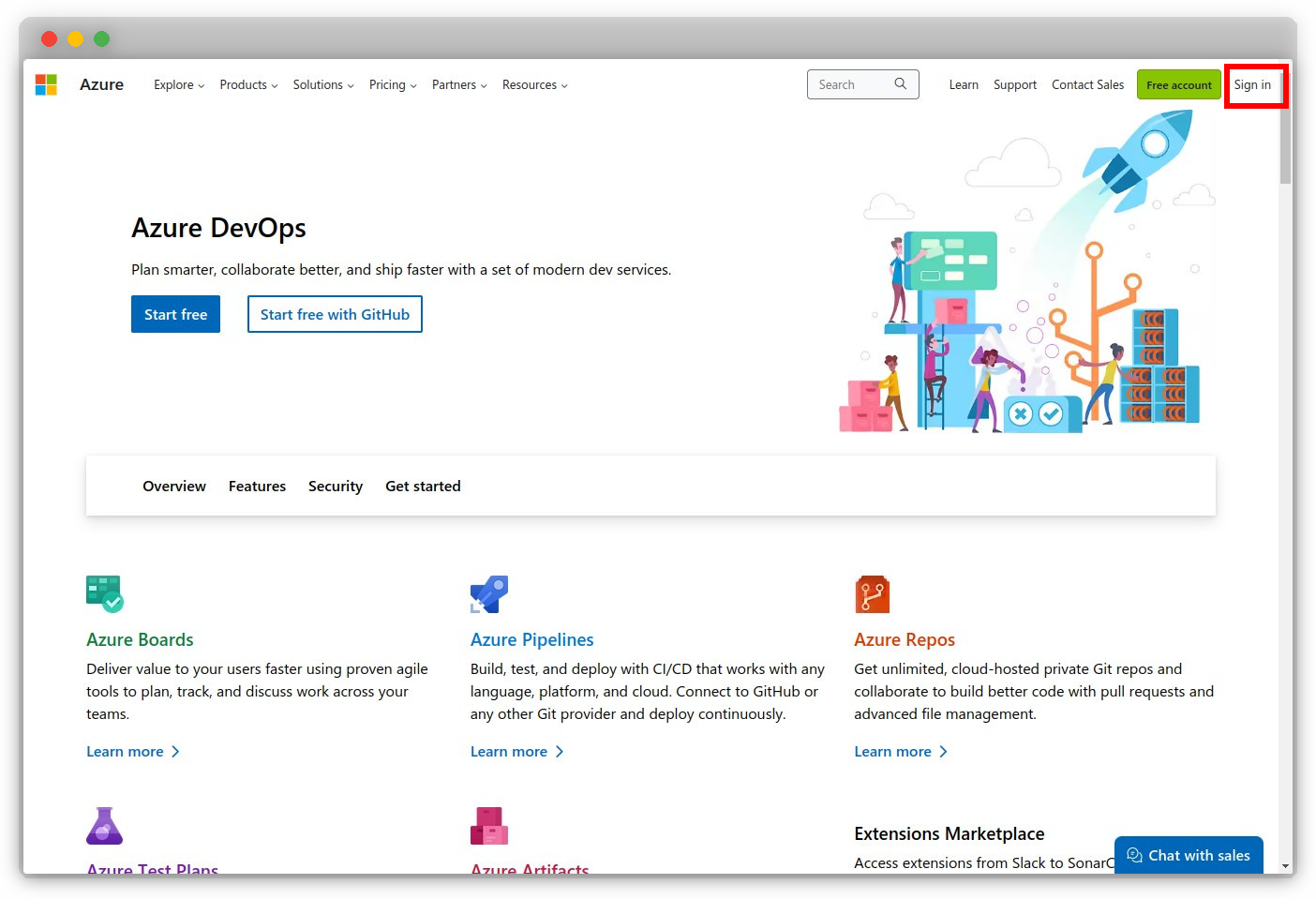
Click the
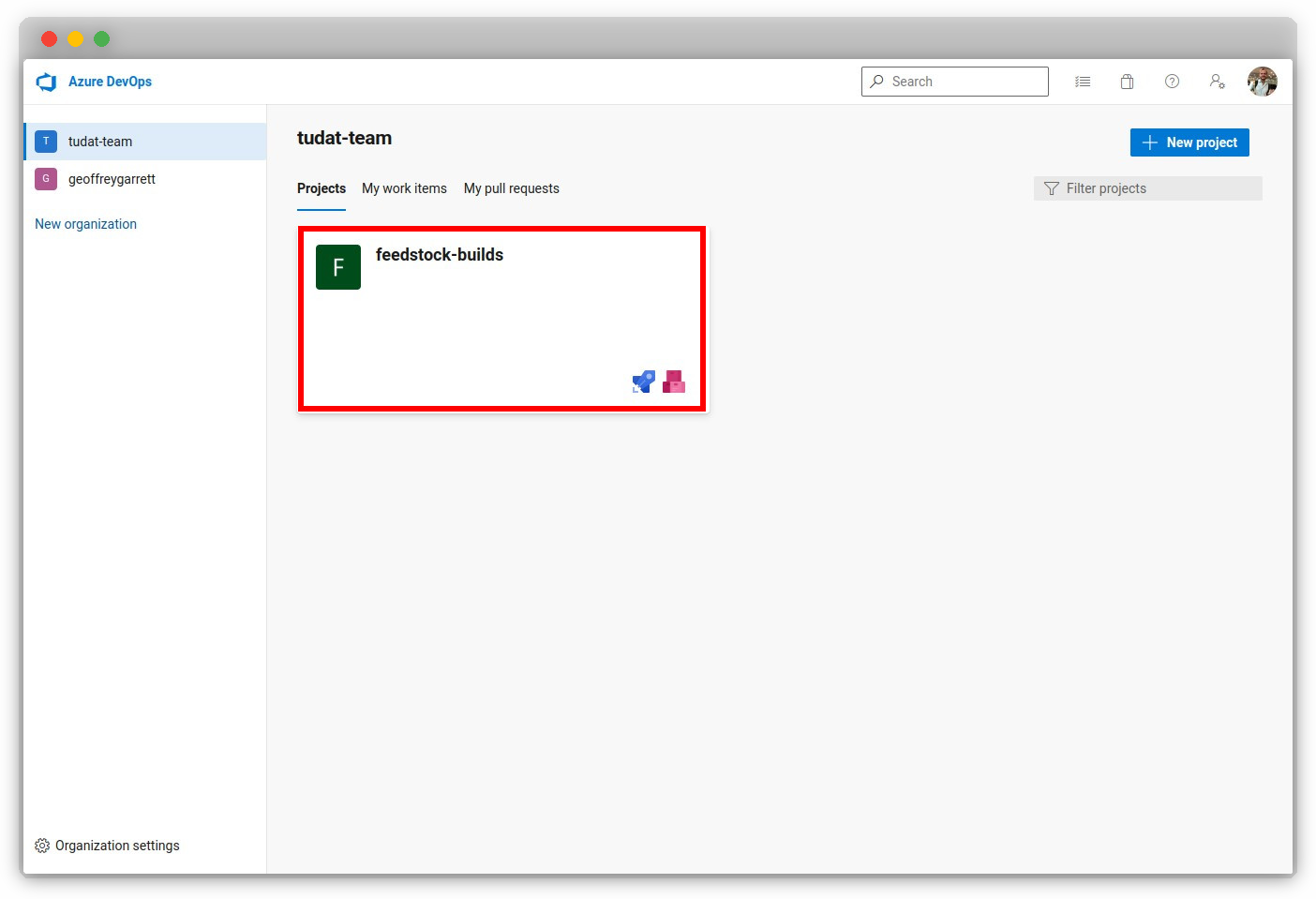
feedstock-buildsproject under thetudat-teamorganization (https://dev.azure.com/tudat-team).
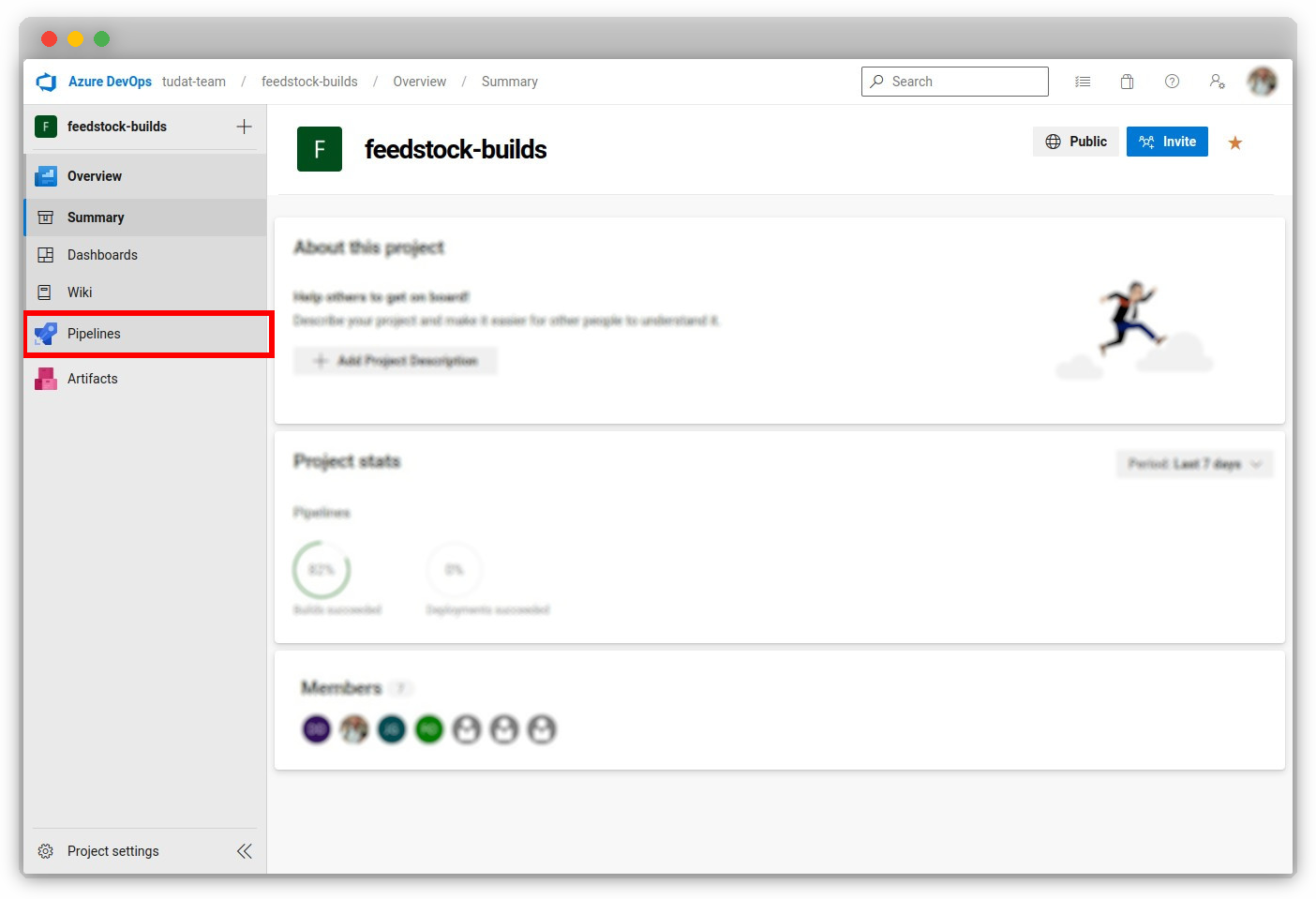
Click “Pipelines” under the
feedstock-buildsproject.
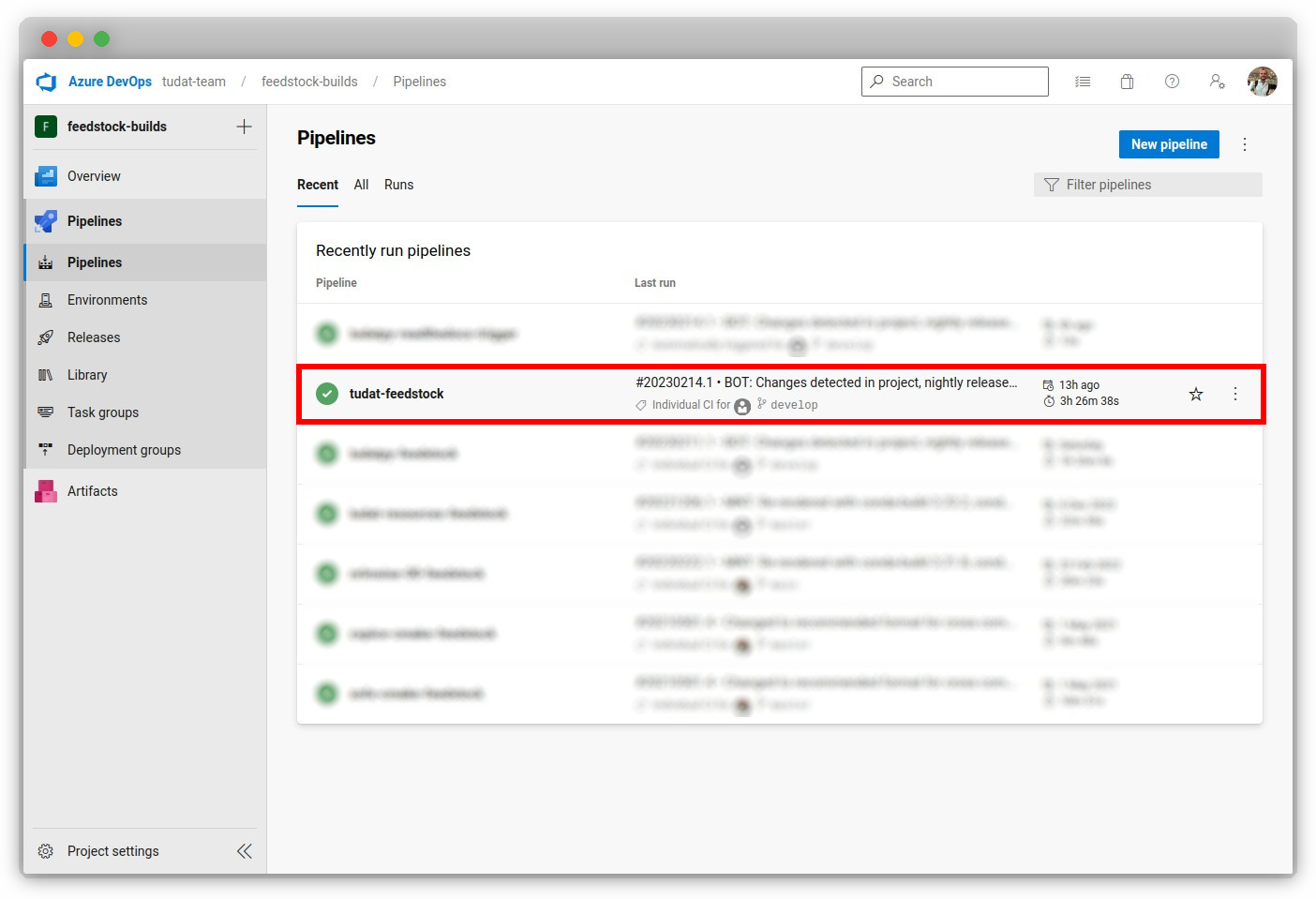
Click on the specific pipeline in which you want to set the environment variable (e.g.
tudat-feedstock).
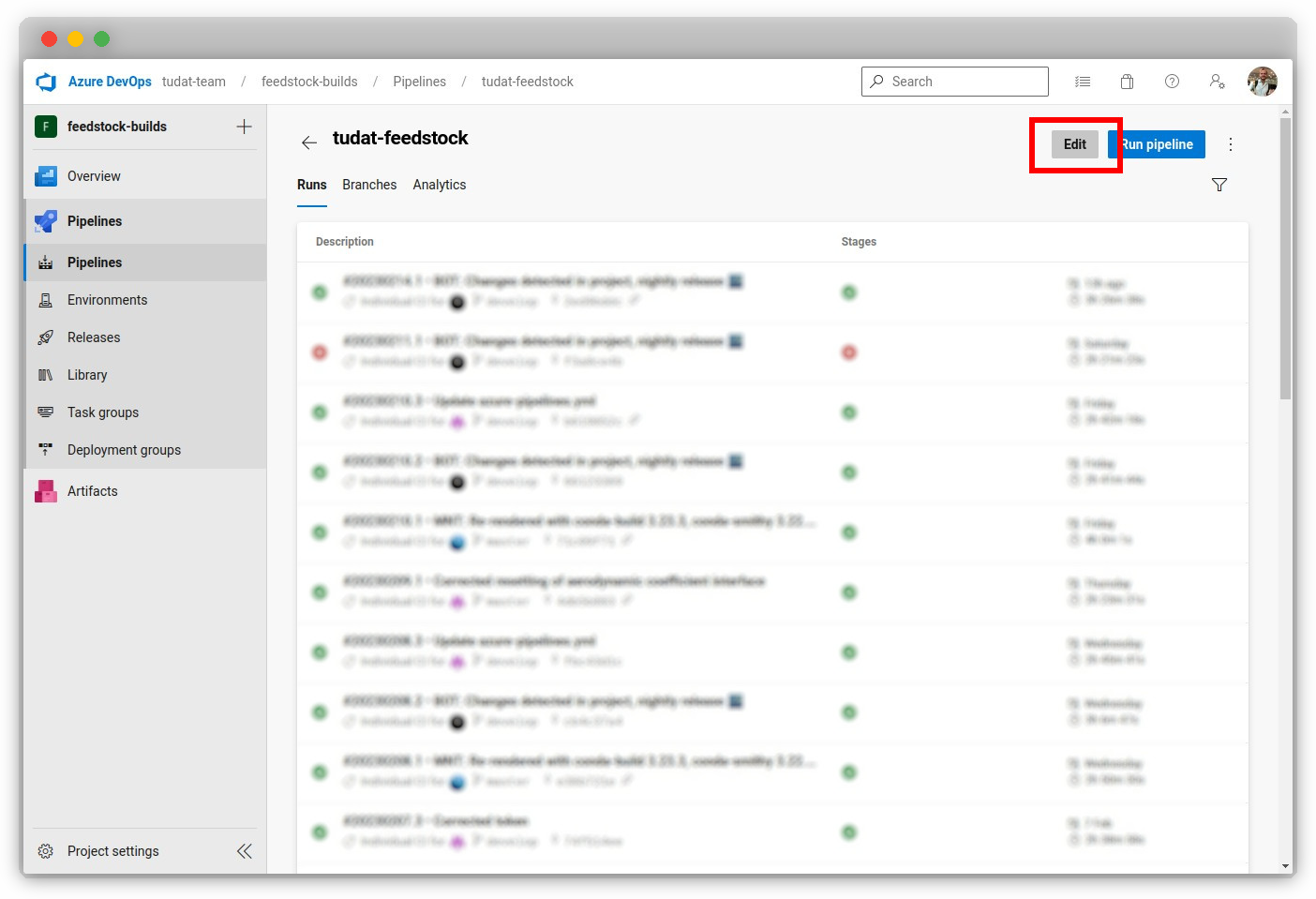
Click “Edit” in the top-right of the page.
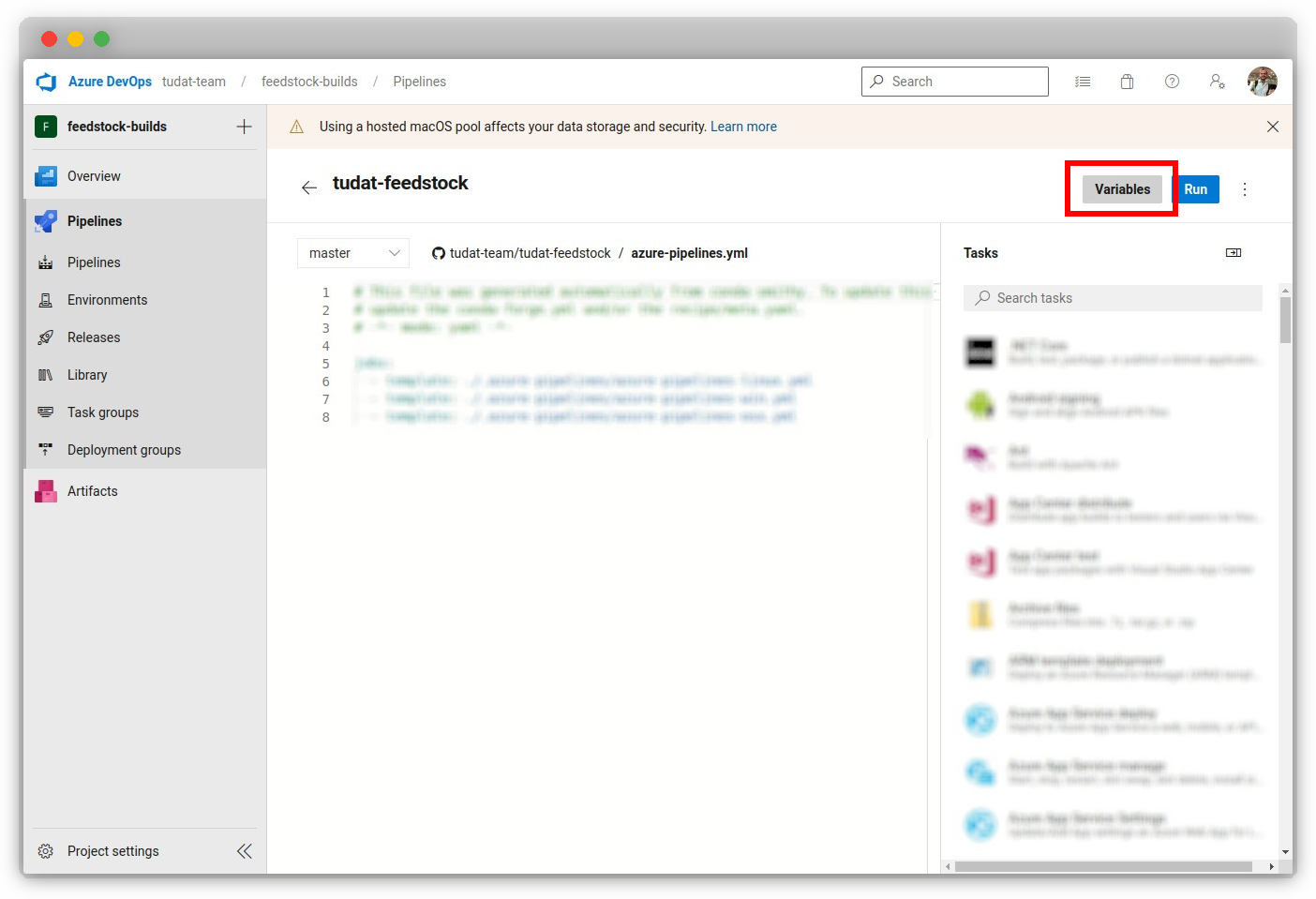
Click “Variables” in the top-right of the page.
Update an existing token (e.g.
BINSTAR_TOKEN), or create a new one with the+icon.

Important
It is crucial to keep the environment variables private and secure. Ensure that you do not share them or commit them to a public repository, as this could lead to security issues.